
From the Vault — Articles & Guides
Behind-the-scenes stories, security deep-dives, and practical guides for developers who care about their credentials.
No articles match your search.
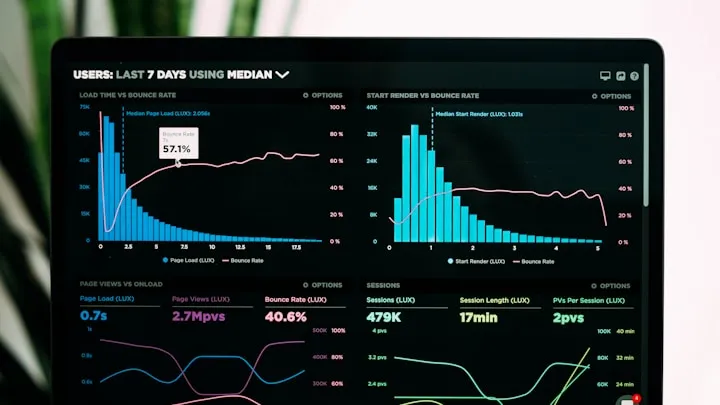
Claspt is now on the Microsoft Store — encrypted notes, everywhere
Claspt is live on the Microsoft Store. A dedicated build with the auto-updater compiled out, distributed through Microsoft's installer infrastructure, and available alongside our direct-download installers.

Secure Sharing — Links, Passwords, and Passwordless
Claspt offers three ways to share secrets: shareable links with expiry, direct sharing to Claspt users, and passwordless one-click sharing. All end-to-end encrypted.

Cloud Sync — Setup, Security, and How It Works Under the Hood
Claspt syncs your vault across devices with end-to-end encryption. Google Drive (Pro), hosted storage with WebSocket push (Pro+), or self-hosted Git. Here's how each works.
What's New in Claspt v1.6 — Folder Import, Extensions, and More
Claspt v1.6 brings markdown folder import, all 15 extensions working, starter folders, and editor error recovery. Here's everything new.

Migrate from Obsidian to Claspt — Keep Your Notes, Add Encryption
Step-by-step guide to importing your Obsidian vault into Claspt. Your markdown files, folder structure, and frontmatter transfer intact — with AES-256 encryption added.

15 Ways to Visualize Data in Your Encrypted Notes
Mermaid flowcharts, Chart.js graphs, kanban boards, timelines, spreadsheets, music notation, chemical formulas, and more — all built into Claspt with zero plugins.
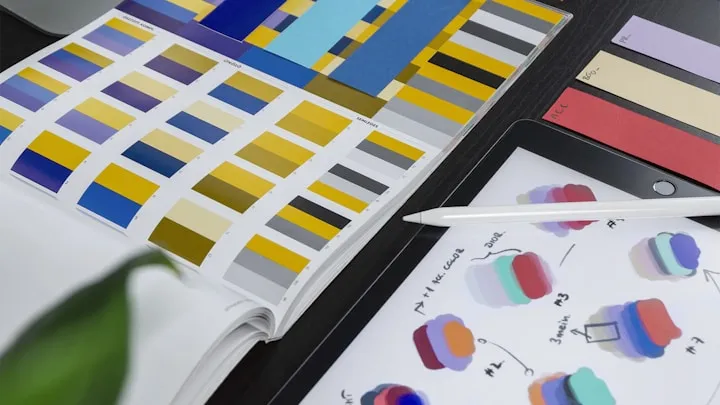
20 Themes for Your Encrypted Vault — The Complete Gallery
From Vault Dark to Tokyo Night, Catppuccin to Kanagawa — browse all 20 Claspt themes. Every theme is free on every plan.

Your Passwords, Your Rules — Why Most Password Managers Hold Your Data Hostage
Password managers are supposed to protect your data. Not trap it. Here is how the industry quietly restricts access to your own credentials — and why Claspt does the opposite.

Generate Passwords, Passphrases, PINs, and UUIDs — Inside Your Encrypted Vault
Six generation modes, a built-in strength checker, and bulk export — all inside your encrypted vault with zero clipboard exposure.
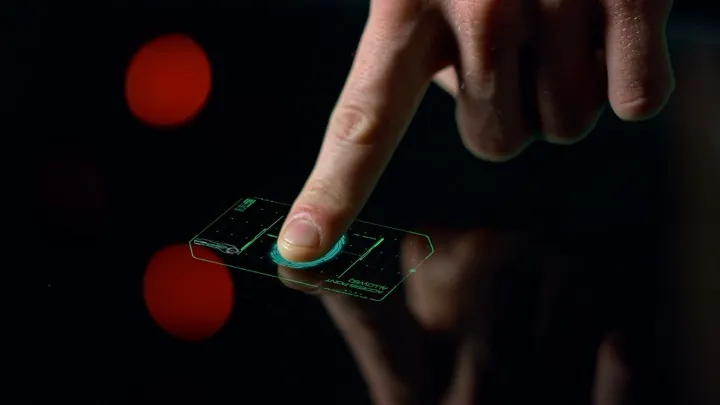
Unlock Your Vault with a Touch — Biometric Authentication in Claspt
Touch ID, Face ID, Windows Hello, and fingerprint unlock. Three modes that balance convenience and security — without compromising encryption.

Organize Your Vault — Folders, Tags, Pins, and More
Nested folders, emoji icons, tags with autocomplete, pinning, and archiving. Keep your vault organized as it grows — your vault is just a folder on disk.

Drop Files, Auto-Import — Claspt's Inbox Folder Integration
Drop .md files into a watched folder and they appear in your vault — indexed, version-tracked, and secrets auto-encrypted. Works with Hazel, watchman, and cron.
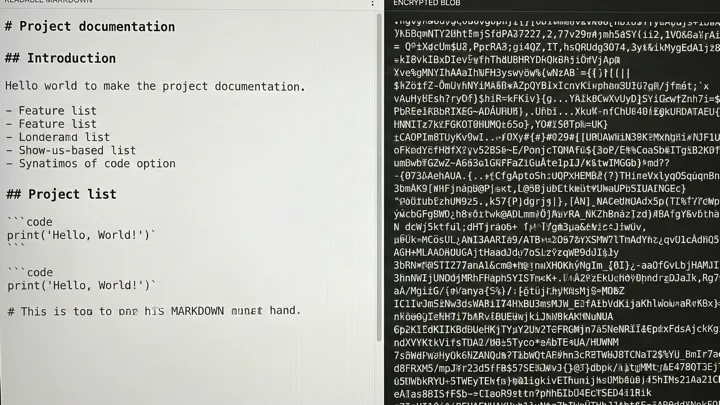
Selective vs. Full-Page Encryption — When to Lock Everything
Claspt encrypts secret blocks by default, but you can also encrypt entire pages. Here is when each mode makes sense, what the trade-offs are, and how to choose.
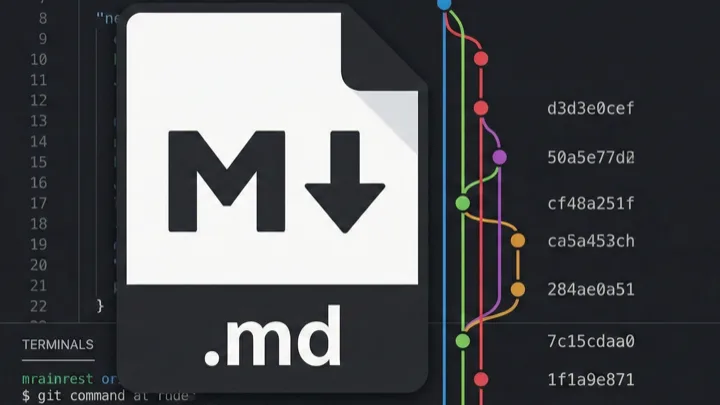
Never Lose Work — Version History, Diffs, and One-Click Revert
Claspt uses real Git under the hood. Every save is a commit. View diffs, browse full history, and revert to any previous version with one click.

Private Journaling with Encrypted Markdown — No Cloud Required
A private, encrypted journal that lives on your device. Write daily notes in markdown, lock sensitive entries with biometric unlock, and keep full version history — offline.
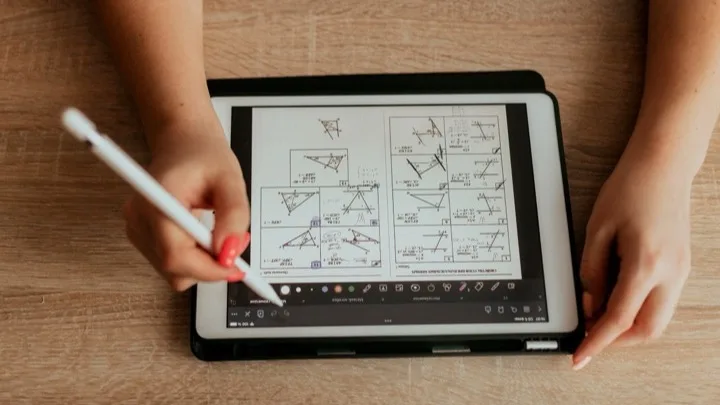
Writing Math and Science Notes with KaTeX in Claspt
Claspt renders LaTeX math formulas and chemical equations natively using KaTeX. Write inline equations, block formulas, and chemistry notation in your encrypted vault.
Automate Your Vault — Claspt's Local HTTP API and CLI
Claspt exposes a local REST API and a Unix-friendly CLI. Automate credential lookups, create pages from scripts, and pipe vault data into your workflows.

How to Use Claude, Cursor, and Windsurf with Your Encrypted Vault
Claspt's built-in MCP Server lets AI tools search, read, and write your vault directly. Here is how to set it up with Claude Desktop, Cursor, and Windsurf.
Self-Hosted Password Management with Git Sync
How to manage passwords without trusting a cloud provider — using Git as your sync engine, with encrypted secret blocks and full version history.

The Obsidian Encryption Problem — And How to Solve It
Obsidian is excellent for notes but has no built-in encryption. The community plugins and workarounds all have trade-offs. Here is a purpose-built alternative.

Why Markdown Is the Best Format for Storing Secrets
Counter-intuitive but true: plain markdown files with surgical encryption beat proprietary databases for portability, version control, and long-term access.
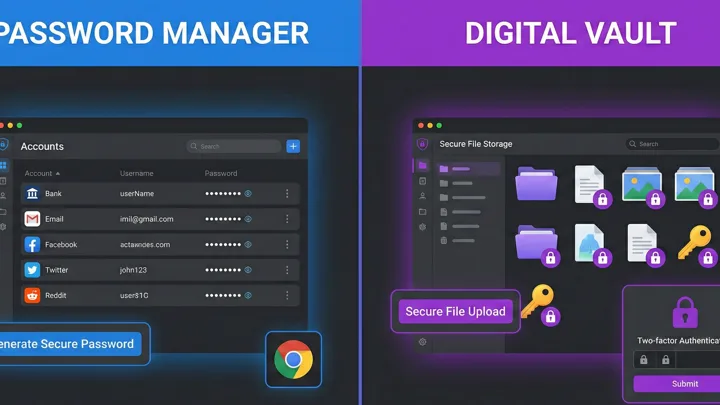
5 Best Encrypted Notes Apps in 2026
A fair comparison of the top encrypted notes apps — Standard Notes, Obsidian + Cryptomator, Joplin, Notesnook, and Claspt. What each does best, where each falls short.

Migrating from 1Password to Claspt — A Practical Guide
Switching tools is always a pain. Here is exactly what the migration looks like — step by step, with honest trade-offs about what you gain and what you lose.

Claspt for Developers — Credentials, Docs, Runbooks, and Automation in One Vault
Developers and DevOps engineers juggle API keys, SSH configs, runbooks, and deploy scripts across too many tools. Claspt unifies credentials, documentation, and automation in one encrypted vault.

The Claspt Security Model, Explained — No Black Boxes
Most security pages say "military-grade encryption" and stop there. Here is exactly what happens to your data — key hierarchy, AES-256-GCM, Argon2id, per-block nonces, and the threat model.

Why I Built Claspt — The Frustration That Started It All
A personal story about juggling 1Password, Obsidian, and random text files for API keys — and the moment I decided to build a tool where notes and secrets could finally live together.
Ready to try Claspt?
Free on desktop. No account required. Your vault, your files, your rules.
Download Free